Connected cooking · Mobile + packaging
Anova Culinary
A starting point for precise cooking.
Role Product design contributionScope iOS and Android · Precision Oven · Packaging
01 / Connected cooking
Start the oven experience
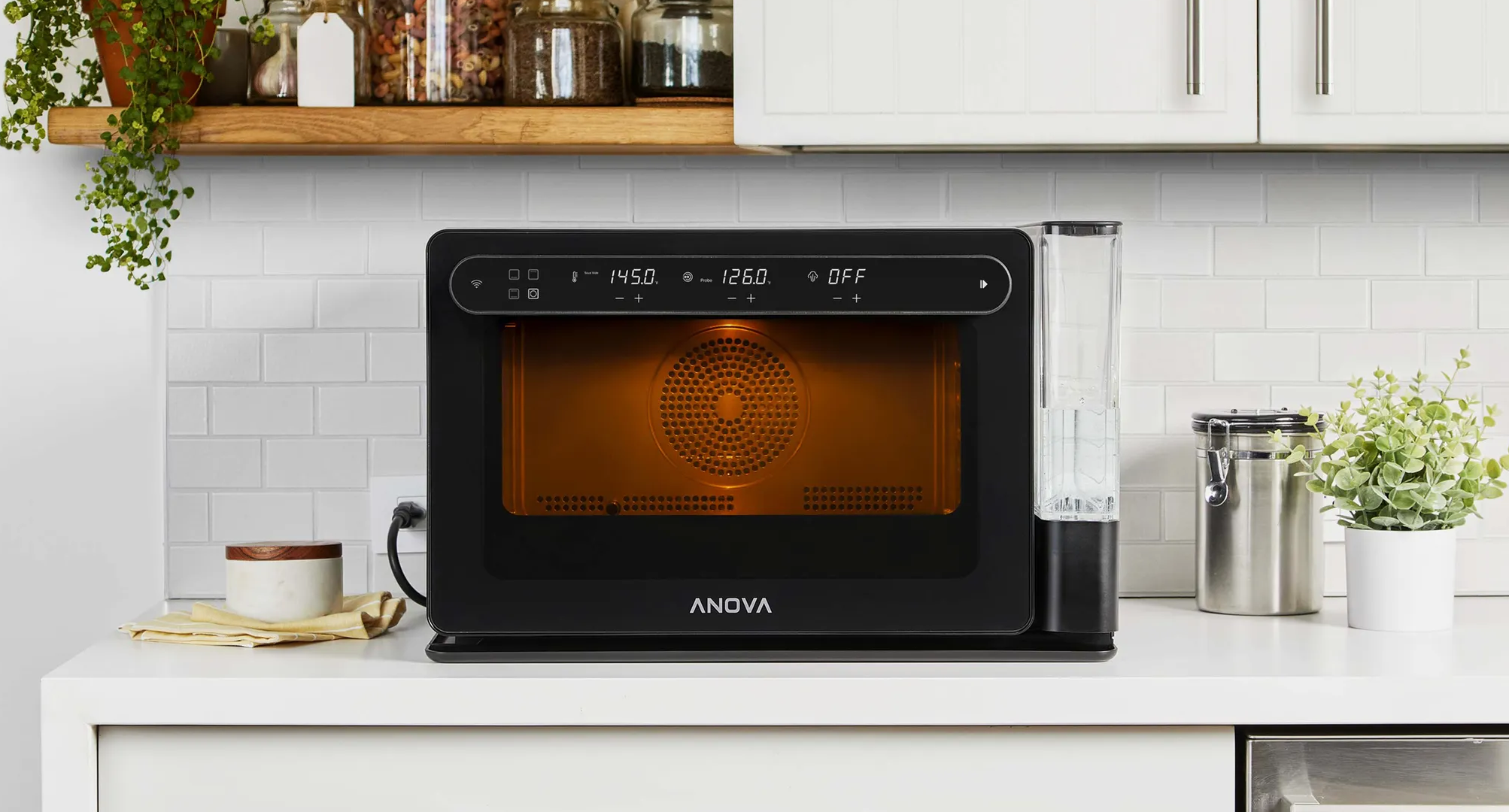
I worked on Anova’s iOS and Android apps, developing features including Quick Starts for the Precision Oven.
02 / Quick Starts
From cooking mode
to oven start
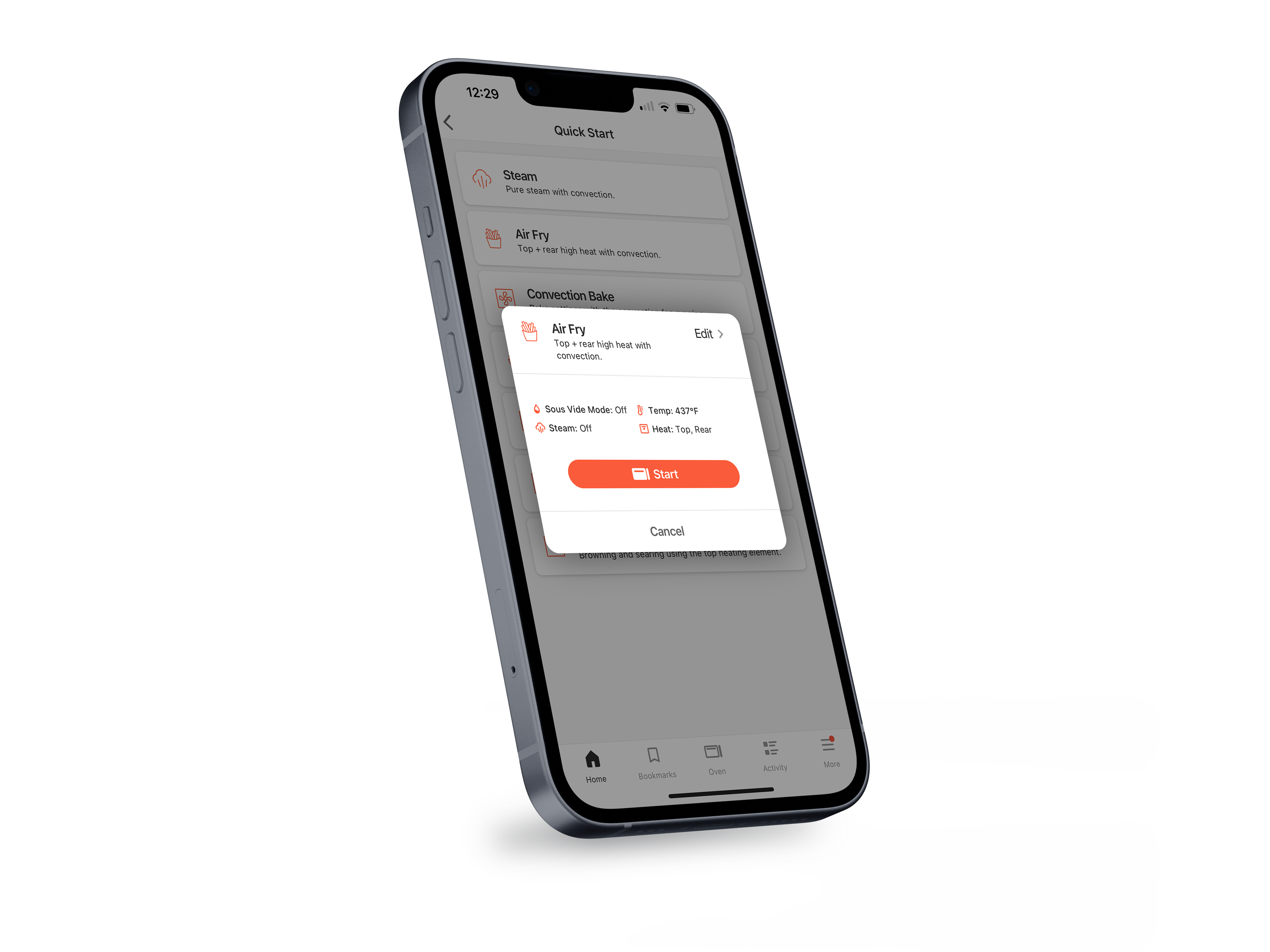
Quick Starts brings familiar cooking methods into the app, then keeps the oven settings visible before a cook begins.
- 01 / Discover
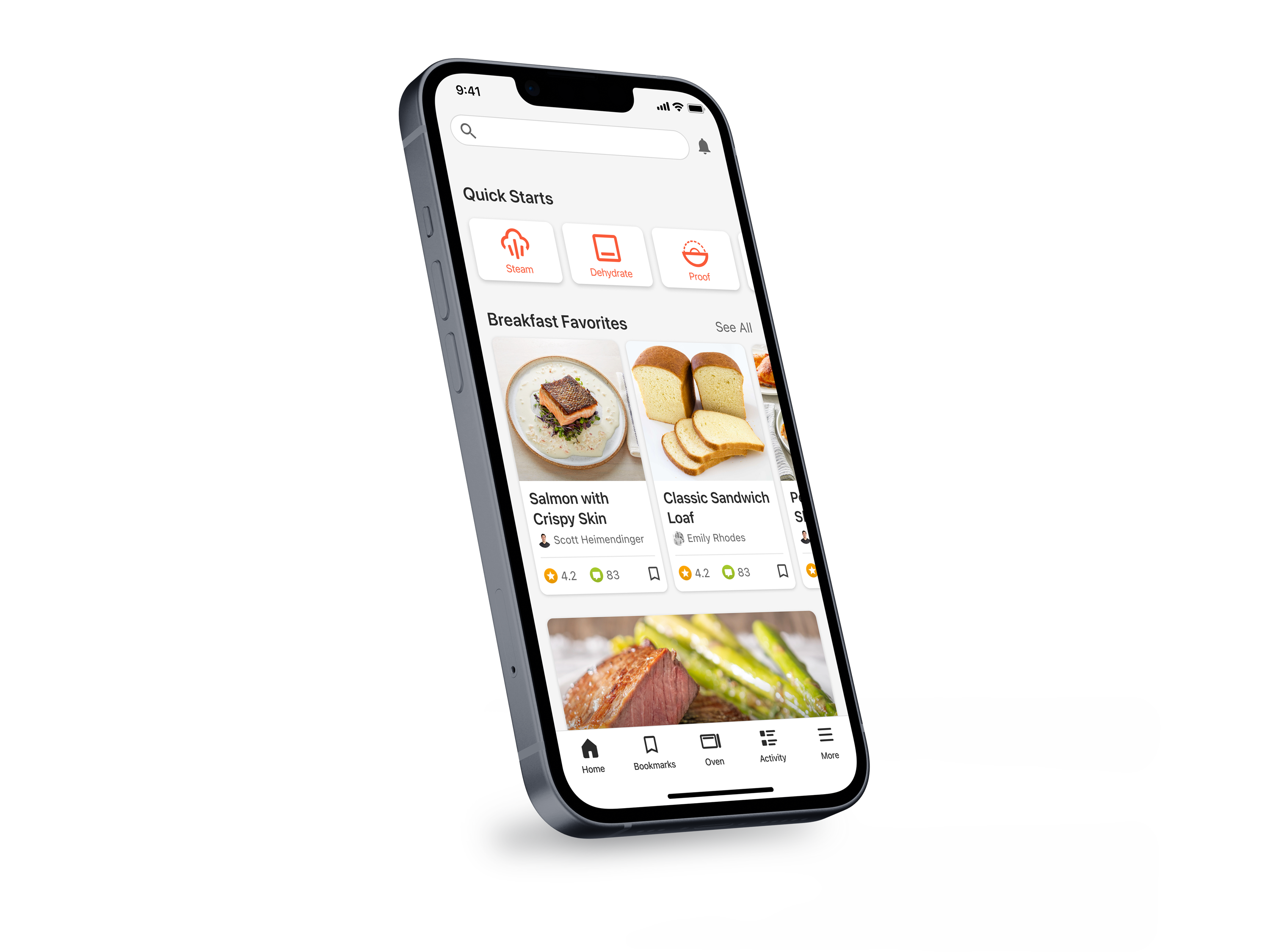
Find a starting point
Quick Starts sits alongside recipes on the home screen, giving cooking modes a direct entry point.
- 02 / Choose
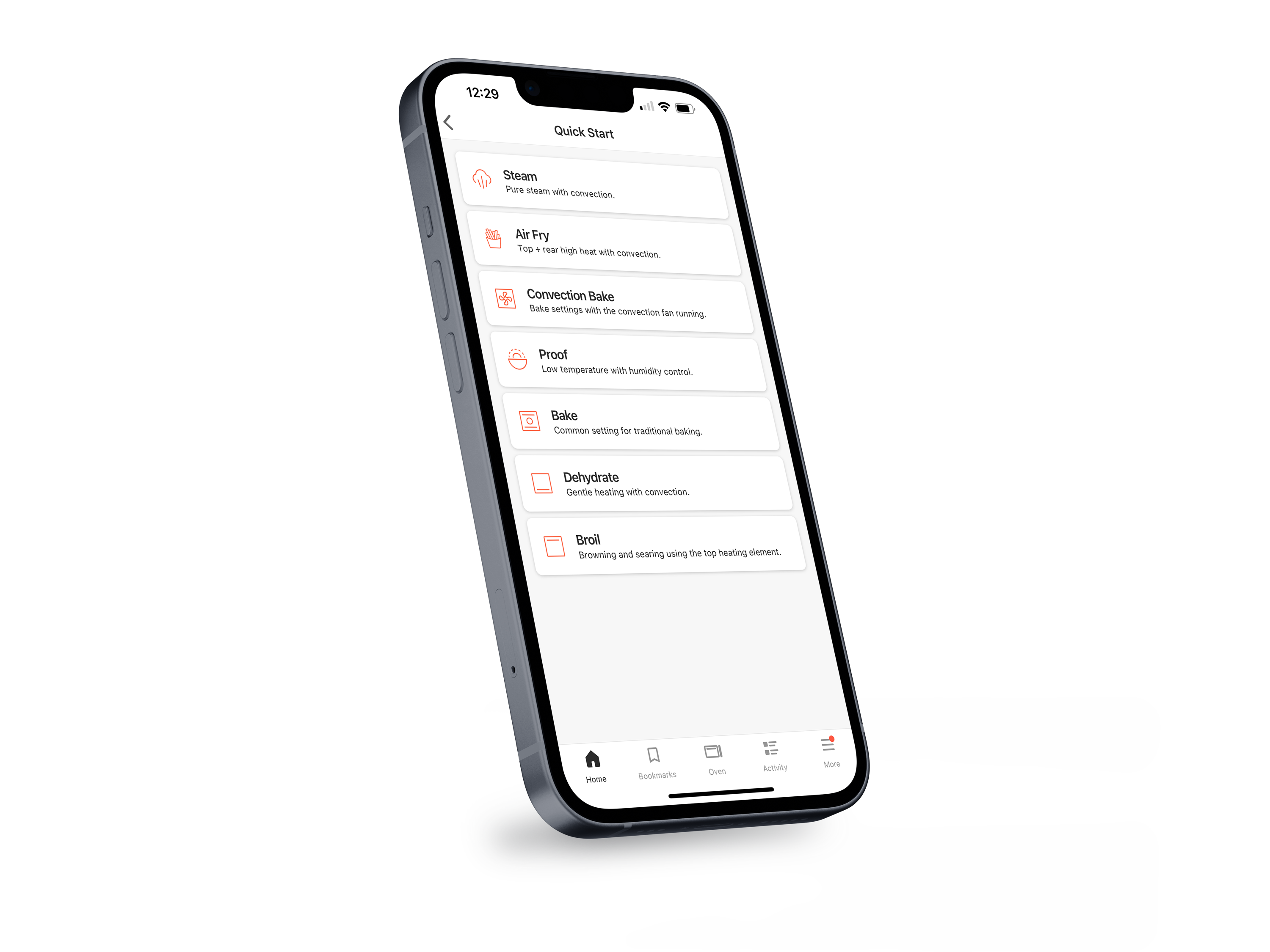
Choose how to cook
Each mode pairs a familiar name with a short description of how the oven will cook.
- 03 / Confirm
Check before starting
The selected mode exposes temperature, steam and heat settings, with the option to edit before starting.
03 / Connected cooking
Extend the visual craft
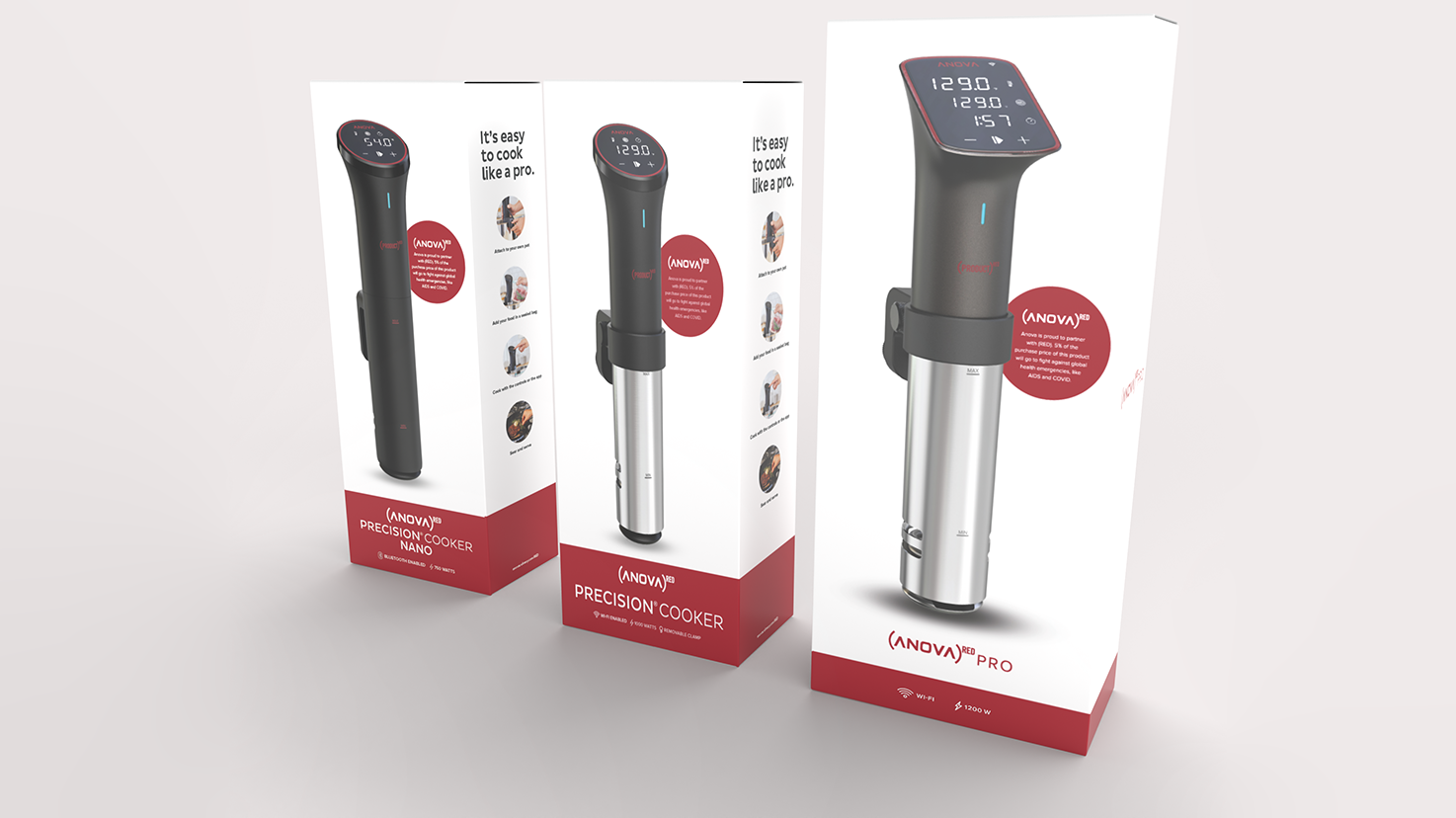
A separate assignment covered packaging SKUs for the (RED) edition of the sous vide Precision Cooker.